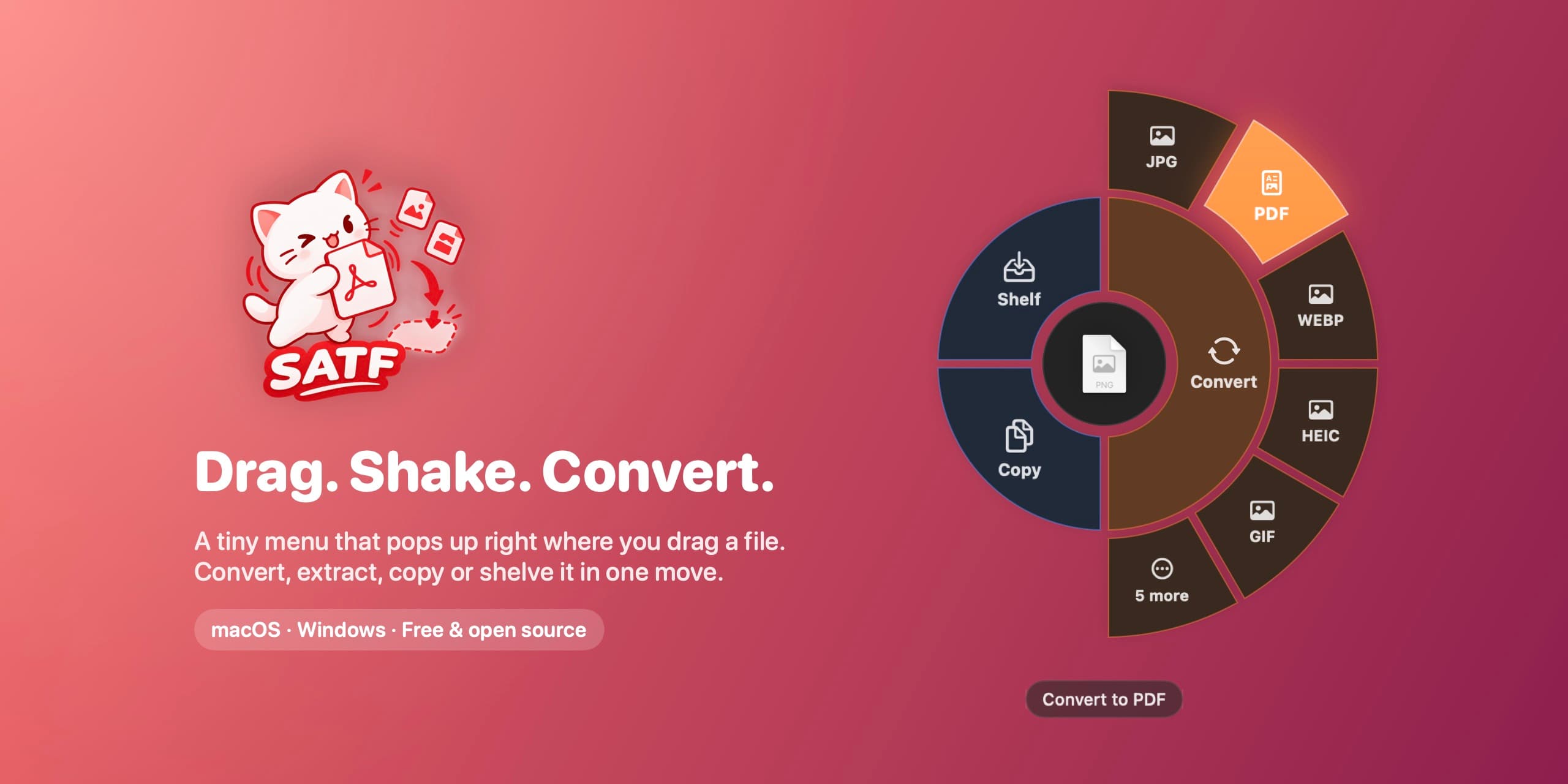

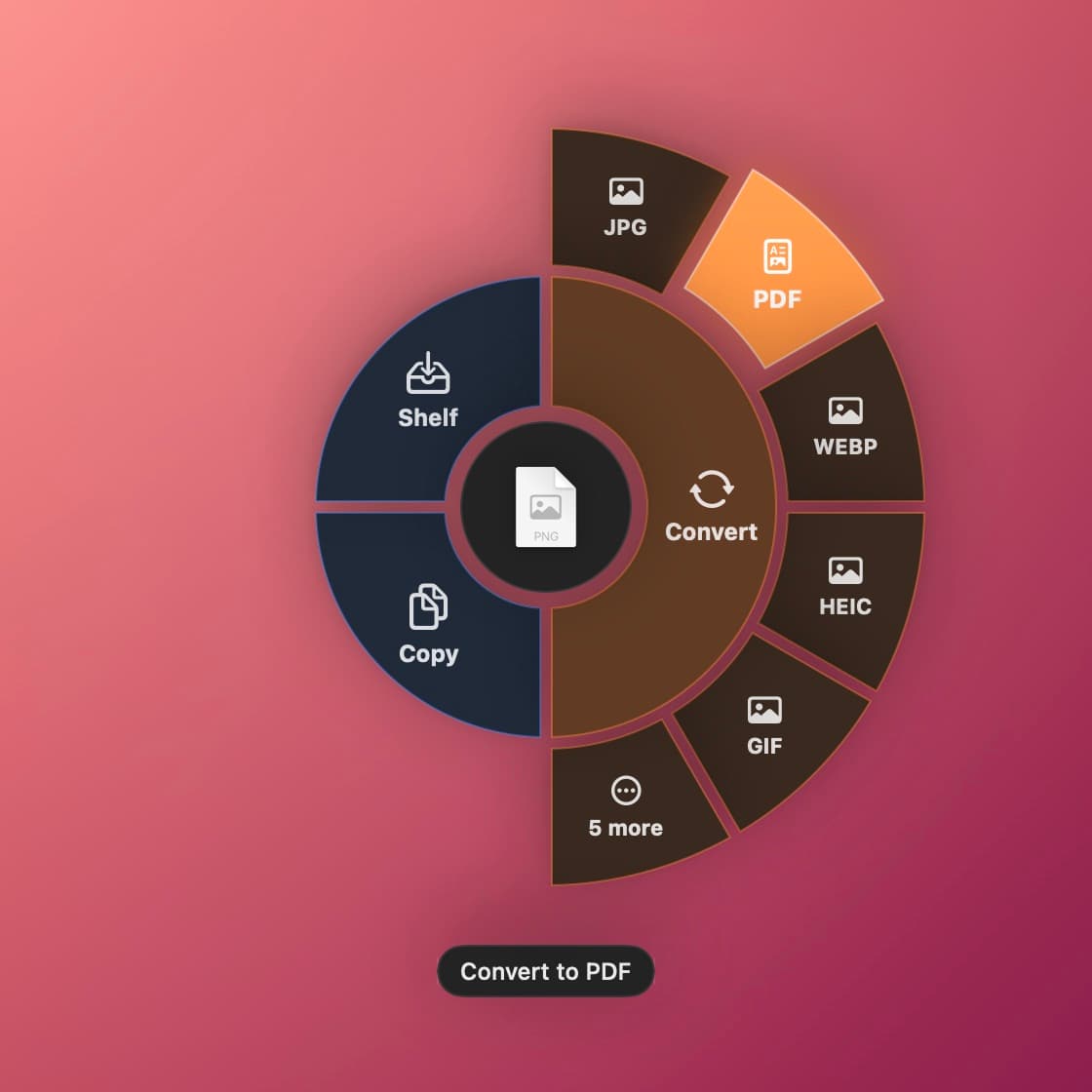
DESKTOP UTILITY · OPEN SOURCEConvert a file without opening another app.Shake the file you're dragging and a radial menu appears under the cursor. Drop it on a format
and the new file is saved next to the original.


macOS + WindowsNative app on each platform
v1.2.1Updates itself, quick image edits, rotate PDF
MIT licenseFree, no account, nothing uploaded
Overview
See It in Action
What It Does
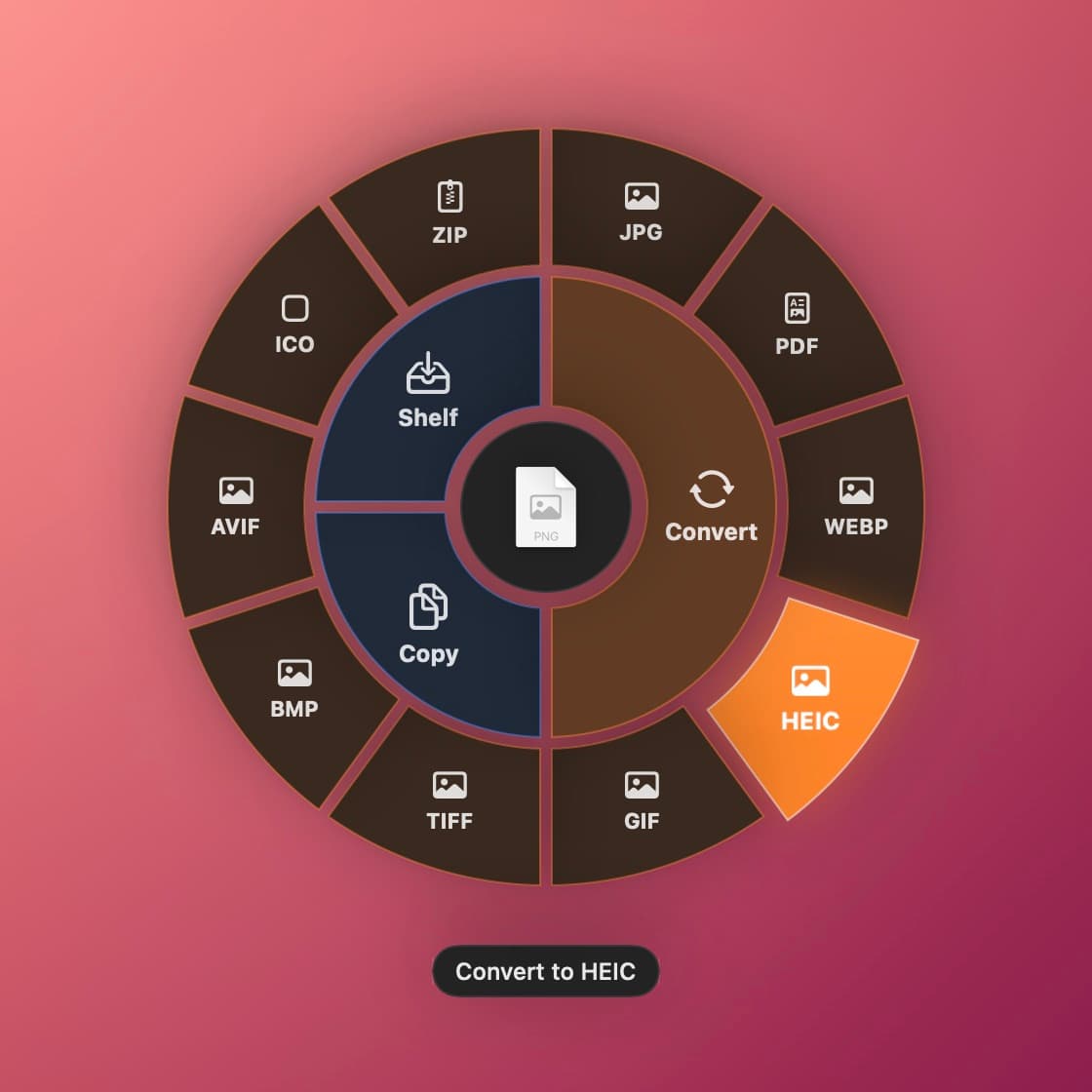
- Convert in one move: images (JPG, PNG, WebP, HEIC, AVIF…), PDF, Word, Excel, PowerPoint, text, video and audio. The most-used formats come first; the rest are one hover away.
- Several files at once: merge PDFs, Office files and images into one PDF in the order they were picked, or compress them into one ZIP.
- Edit: rotate, resize or compress images, squeeze them under a target size (200 KB–5 MB), remove location and camera info, or stack several images into one. Always saved as a new file.
- PDF tools: merge, split into pages, rotate.
- Extract archives: zip, rar, 7z, tar, gz, bz2, xz, with optional hand-off to 7-Zip, WinRAR, Keka or The Unarchiver.
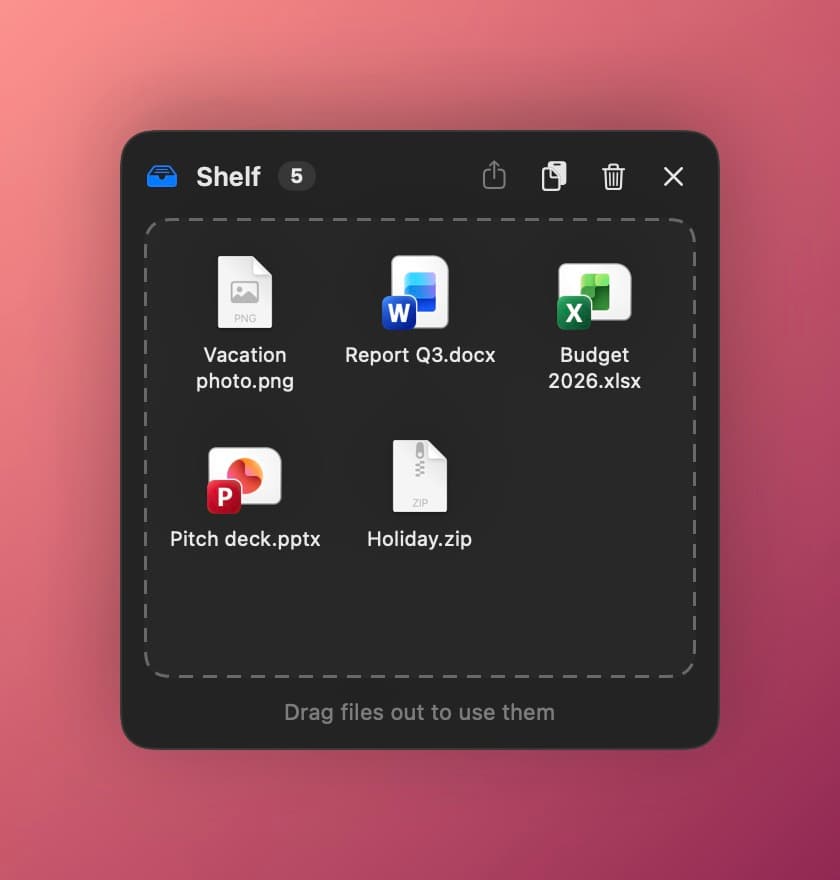
- Shelf: a floating tray to collect files from different places, select several and drag them out together.
- Updates itself: a notification when a new version is out; one click downloads it, checks its signature and checksum, installs it and restarts.
- Add-ons on demand: LibreOffice and FFmpeg are downloaded only when a conversion needs them, and can be removed anytime.
Interface
Technologies Used
- Swift, AppKit and SwiftUI for the macOS app (menu bar app, radial menu, Shelf, settings).
- C# and WPF on .NET 10 for the Windows app, with an NSIS installer.
- PDFKit (macOS) and PDFsharp (Windows) for merging and splitting PDFs.
- LibreOffice and FFmpeg as optional add-ons for Office documents, video and audio.
- Developer ID signing and Apple notarization so the Mac app opens without warnings.